
Zenless Zone Zero Discord Linking: Free Polychromes & Flexing Rights
Zenless Zone Zero Discord account linking reward: claim Polychrome ×30 and show real-time in-game stats.
Alright, listen up, fellow Proxies. I'm about to spill the tea on something that's been sitting in the Zenless Zone Zero back pocket since late 2024, and if you haven't jumped on it yet in 2026, you're literally leaving free Polychromes on the table. The Discord Account Linking Reward is still a thing, and yes, it's as easy as pie. 🥧
I remember the first time I linked my account. I was skeptical. 'Another account linking scheme?' I thought. But then I saw the Polychrome ×30 reward staring back at me, and I was like, 'Shut up and take my login credentials.' Not literally, of course. Don't do that. But you get the gist.
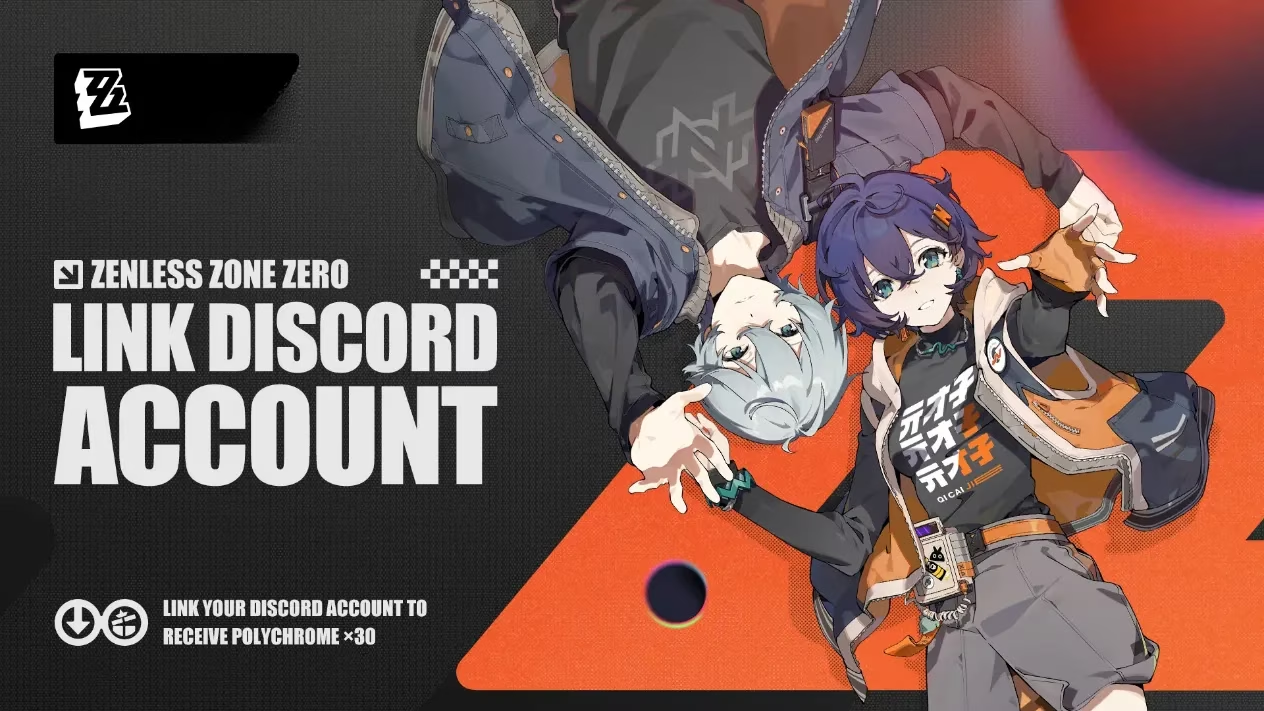
So what's the deal? The Zenless Zone Zero Discord Account Linking Reward function is available, and you can immediately receive a Polychrome ×30 reward when you link your account for the first time. Thirty Polychromes. That's not going to buy you a yacht, but it's better than a kick in the teeth. And hey, free is my favorite price. 🤑
But wait, there's more. Apart from the rewards, you can also display your in-game data in real-time on Discord. That means your friends can see your nickname, your Inter-Knot level, your game server, and even how much time you've spent in-game. It's like a little flex badge that says, 'Yeah, I'm a dedicated Proxy. What of it?'
Here's how to get in on the action. It's a two-step dance, and neither step involves jumping through hoops:
-
Step 1: Log in to HoYoverse and link your Zenless Zone Zero account.
-
Step 2: Log in to your Discord account.
Once done, your login status will be detected. Click 'Link Now' in the center to complete the Zenless Zone Zero Discord account linking. That's it. No blood sacrifice, no secret handshake. Just click and you're golden. 🏆
After you've linked your Discord account with your Zenless Zone Zero account and launched Zenless Zone Zero (on PC or mobile), your data will be displayed on Discord. Here's what you'll see:
| Data Type | What It Shows |
|---|---|
| Nickname | Your in-game name, so everyone knows who's boss |
| Inter-Knot Level | A number that screams 'I have no life' or 'I'm just that good' |
| Game Server | So your friends know which server to stalk you on |
| Time Spent In-Game | A testament to your dedication, or your procrastination |
Due to technical limitations, displaying the gaming status of the PlayStation™ version is currently not supported. So if you're a PS5 player, I feel you. Them's the breaks. But don't worry, you can still link your account for the Polychromes, just not the fancy status display. Small mercies.
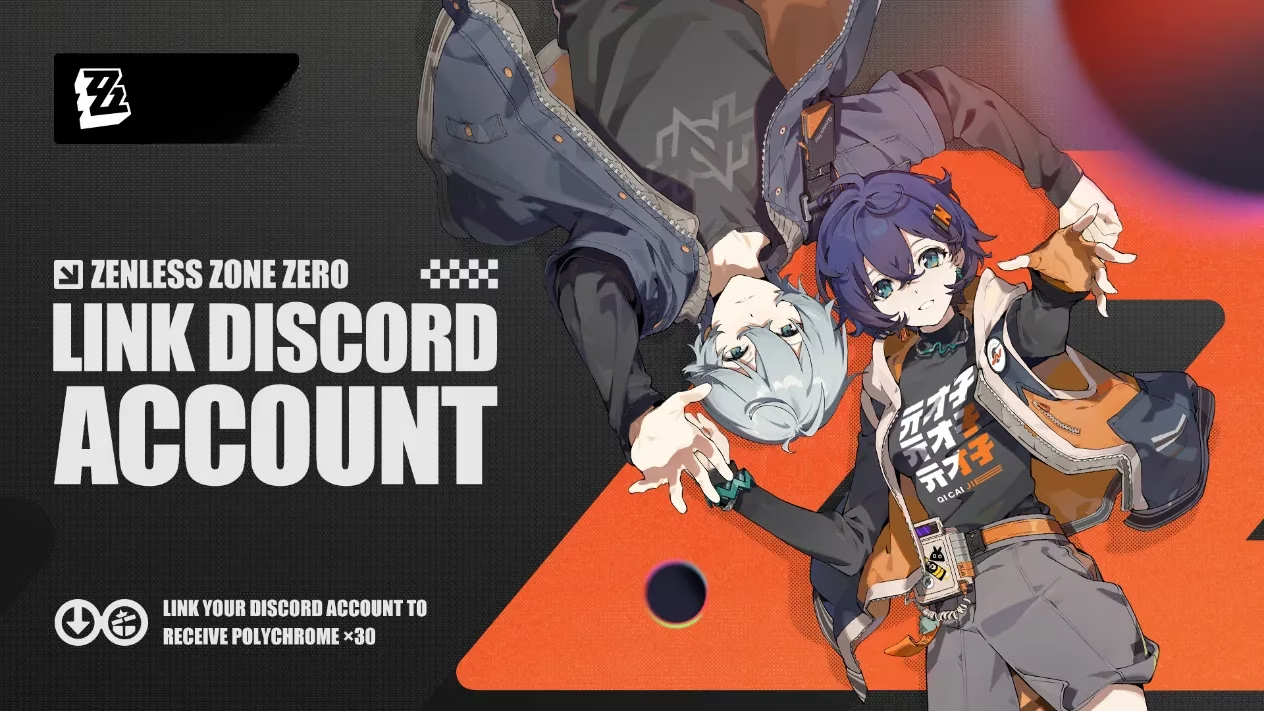
Currently, only the aforementioned game data will be displayed. Please stay tuned for future updates for more features. Knowing HoYoverse, they'll probably add something like 'number of times you've rage-quit' or 'amount of coffee consumed.' But for now, it's a neat little addition to your Discord profile.
If you have any feedback or suggestions while linking your Discord account, feel free to share them in the comments section or through Zone Zero's official server Modmail. The devs actually listen, so don't be shy. I once suggested they add a 'Belle's sassy remarks' counter, and they didn't respond, but a Proxy can dream.
So, why should you bother? Let me count the ways:
-
Free Polychromes. Did I mention that? Thirty of them. That's 30 more than you had before.
-
Real-time flexing. Show off your Inter-Knot level to your Discord buddies who are still stuck in the tutorial.
-
Easy peasy. Two steps, one click, zero headaches.
-
Future updates. Get in on the ground floor before they add even more cool features.
-
It's 2026. If you haven't linked yet, you're officially late to the party. But better late than never, right?
I linked my account ages ago, and I still get a little dopamine hit every time I see my Inter-Knot level pop up on Discord. It's the little things, you know? Plus, when my friends ask me to play something else, I can just point to my Discord status and say, 'Sorry, I'm busy being a Proxy.'
So go on, get linked. It's a no-brainer. Your Discord profile will look cooler, you'll get 30 Polychromes, and you can flex your in-game dedication to anyone who will listen. What are you waiting for? A written invitation? This is it. Now stop reading and go click that link button. Your Polychromes are waiting. 💎