
Zenless Zone Zero Cross Platform Support and Features
Zenless Zone Zero cross platform and cross save features deliver seamless gaming across PC, PS5, Xbox, iOS, and Android for ultimate flexibility.
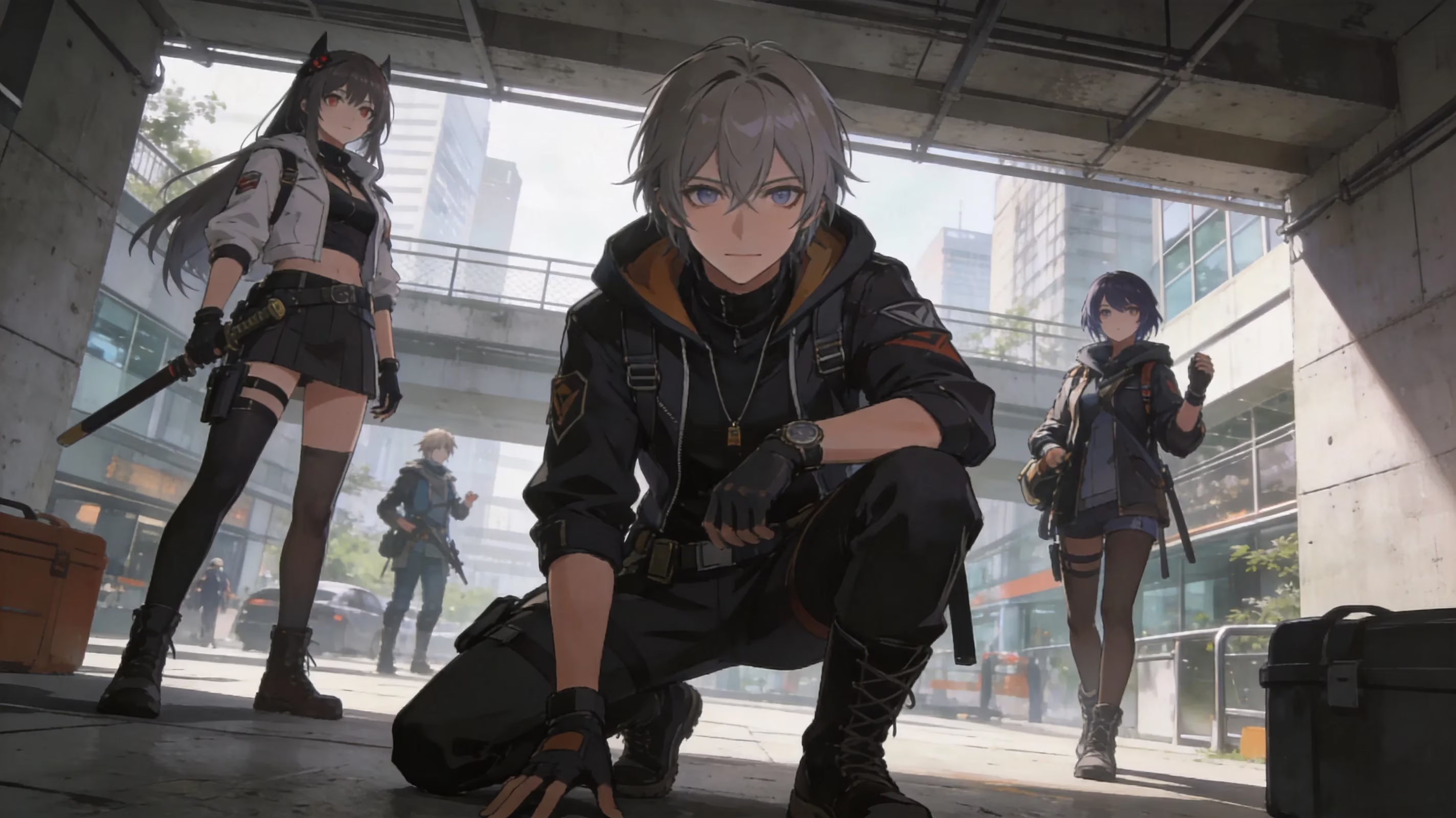
If you're bouncing between devices and wondering whether Zenless Zone Zero is cross platform, here's the quick answer: yes, it is. As of 2026, Zenless Zone Zero supports full cross-save and a limited version of cross-play across PC, PlayStation 5, iOS, Android, and Xbox Series X/S. The game first launched worldwide on July 4, 2024, and its Xbox Series X/S version arrived in June 2025 alongside Version 2.0. Since then, HoYoverse has kept everything tied together through the HoYoverse Passport system, so your Proxy progress — including Agents, Drive Discs, Polychrome, and Inter-Knot level — can move across supported platforms without losing progress.
Is Zenless Zone Zero Cross Platform in 2026
It’s important to separate cross-save from cross-play, because Zenless Zone Zero supports them in different ways. Cross-save is fully available, which means if you sign in with the same HoYoverse account on PC, PS5, mobile, or Xbox, you’ll see the same account data everywhere. Cross-play is a bit more limited. Real-time multiplayer content, including Hollow Raids, only works when everyone is on the same regional server — America, Asia, Europe, or TW/HK/MO — no matter what hardware they’re using. So yes, a PS5 player on Asia can team up with a PC player on Asia, but not with someone whose account lives on Europe.
Here’s the full platform lineup for 2026:
| Platform | Launch Date | Notes |
|---|---|---|
| Windows PC | July 4, 2024 | Via HoYoPlay launcher or Epic Games Store |
| iOS | July 4, 2024 | App Store |
| Android | July 4, 2024 | Google Play |
| PlayStation 5 | July 4, 2024 | DualSense haptic support |
| Xbox Series X/S | June 6, 2025 | Game Pass Ultimate integration, 4K/60 FPS |
As of mid-2026, there’s still no announced Nintendo Switch version. All five current platforms stay on the same live-service schedule, though, so everyone gets the same Version 2.x content cycle at the same time. Right now that means Version 2.7 is live, with Version 2.8 coming up next, and that includes banners, story chapters, and seasonal updates across every supported device.
Zenless Zone Zero Cross Platform Features
The core of ZZZ’s cross-platform support is the HoYoverse Passport. That’s the account system that stores your Agent roster, W-Engines, Bangboo, Signal Search pity, and basically every other meaningful progression system on HoYoverse’s servers instead of locking it to one device. Sign in on a new platform, and your data syncs over almost immediately.
That shared progression covers pretty much everything you’d expect. Your Inter-Knot level, Mindscape Cinema upgrades, Drive Disc loadouts, Shiyu Defense progress, Notorious Hunt clears, and Hollow Zero records all carry over. Even Battery Charge works on one universal timer, so if you spend stamina on your phone during lunch, that same stamina is gone when you log in later on PC or console.
The one thing you absolutely need to watch is server separation. America, Asia, Europe, and TW/HK/MO are all completely separate databases. In practice, that means your Asia account data does not magically appear if you log into America, even if you’re using the exact same HoYoverse email. Your server choice is made when you first start, and there’s no retroactive transfer tool. If you’re in a region where multiple servers seem viable, especially places with mixed latency like South or Southeast Asia, it’s worth double-checking before you commit serious time.
Storefronts are also handled a little differently depending on platform. Outfits and cosmetic bundles are bought through the platform you’re currently using — PS Store on PS5, Microsoft Store on Xbox, or HoYoverse’s own shop on PC. The good news is that cosmetics sync across platforms after purchase. Monochrome top-ups work the same way: buy them through the platform storefront tied to that session, and the currency shows up on your linked account across all devices.
Zenless Zone Zero Cross Save Setup
PC and mobile linking
PC and mobile are by far the easiest combination to set up. Both use the HoYoverse Passport directly, whether you log in with email, Google, Apple ID, or another linked method. If both devices use the same HoYoverse account, cross-save is basically automatic.
Before you open the game on a second device, make sure the server shown on the title screen matches your original one. This is where a lot of people get tripped up. If your phone account is on Asia but your PC client defaults to America, it can look like your account got wiped when really you’re just looking at a different server slot. If you’ve lost access to your original login method, you can recover the account through HoYoverse’s official support portal.
PS5 account linking
PS5 is where things get a little more sensitive. The first time you launch Zenless Zone Zero on PlayStation 5, the game asks you to bind your PSN account to a HoYoverse Passport. If you already play on PC or mobile, you need to link that existing HoYoverse account during this first-login step. If you don’t, the system may create a fresh account instead, and that’s where the headache starts.
If a new HoYoverse account gets created by mistake during PS5 setup, your real progress won’t be connected to the console. Fixing that usually means contacting HoYoverse support, waiting several business days, and hoping the unlinking process goes smoothly. There’s also the PSN region issue to keep in mind. A U.S. PSN account may suggest the America server by default, which can be a problem if your main ZZZ progress is on Asia. Honestly, the safest move here is simple: check the server carefully before you confirm anything.
Xbox account linking
Xbox Series X/S follows a similar setup path. During first launch, you bind your Xbox or Microsoft account to a HoYoverse Passport. If you already have a PC or mobile account, just sign into that existing Passport and the Xbox version should pull in your full progress — Agents, story completion, pity count, resources, all of it.
The Xbox release came with Version 2.0 in June 2025, and it has continued to support cross-progression through the current Season 3 era. One nice thing here is that the setup flow is a bit clearer than the PS5 one, since it explicitly confirms cross-progression during onboarding. If you’re using Game Pass Ultimate, cloud streaming also follows the same account rules, because your data still comes from HoYoverse’s servers rather than the local device.
Zenless Zone Zero Cross Platform Problems
The biggest issue players run into is still server mismatch. Since servers are permanent and separate, creating your account on America means that progress stays on America. You can’t move it to Asia later, even if both server entries use the same HoYoverse email. So if your roster suddenly looks empty on a new device, check the server indicator first. That’s usually the culprit.
Guest accounts are another common trap, especially on mobile. Some players start the game without fully signing into a HoYoverse Passport and end up building progress on a local guest account instead. That data won’t carry over to other platforms, and worse, it can disappear entirely if the app is reinstalled, the phone is reset, or you switch devices. If you started as a guest, binding that progress to a proper HoYoverse account before changing devices is absolutely essential.
PSN region mismatch is less common, but it’s real. Some PlayStation Network regions have limited access to certain server options or storefront support for ZZZ purchases. If your PSN region doesn’t line up well with the server you actually want to play on, you can run into awkward linking issues or get pushed toward the wrong default region during setup.
There’s also one purchase-related caveat worth knowing. Platform purchases transfer in terms of content, not in terms of cash value. So if you buy an outfit on the PS Store, that outfit will show up everywhere on your shared account, but you can’t refund that purchase and re-buy it through the HoYoverse shop or Microsoft Store instead. The item syncs; the original storefront transaction does not.
Best Platform for Zenless Zone Zero
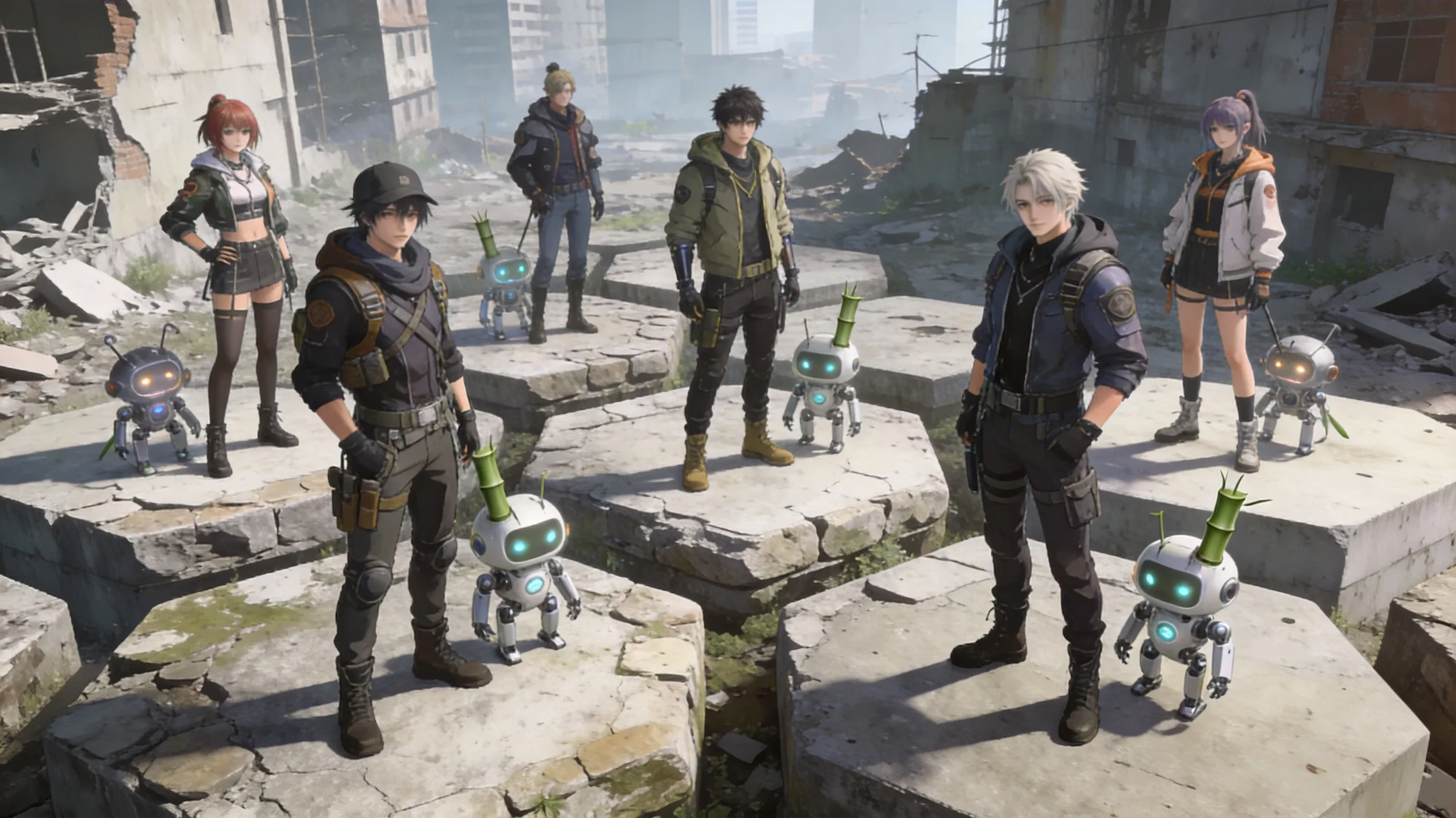
The best platform for Zenless Zone Zero really comes down to how you like to play, because the account systems are consistent across all five supported options.
-
Mobile (iOS/Android): Great for dailies, quick stamina spending, and short farming sessions. Since Battery Charge regenerates every 6 minutes per point, mobile is perfect for logging in, clearing Daily Errands, and burning energy fast. The downside is pretty obvious — touch controls are workable, but they’re not ideal for tight Perfect Dodge timing or more demanding endgame combat.
-
PC: Still the best pick if combat precision matters most to you. Keyboard and mouse, or a wired controller through HoYoPlay, gives you cleaner reaction windows for dodge-heavy fights and Assist timing. It also tends to be the smoothest option for updates, since the HoYoPlay launcher usually gets patches with less delay than app stores.
-
PS5 / Xbox Series X/S: Best for relaxed couch sessions. Both consoles run the game well, support controllers natively, and feel great for longer play sessions. PS5 gets an extra edge with DualSense haptics, especially during EX Specials and Chain Attacks, while Xbox has the added convenience of Game Pass Ultimate cloud streaming. The tradeoff is slightly slower startup and, on patch days, occasional delays compared to the PC client.
Zenless Zone Zero Cross Platform FAQ
Can friends co-op across different platforms?
Yes, they can — as long as everyone is on the same regional server. Platform doesn’t block co-op in Zenless Zone Zero, but server region does. A PS5 player on Asia can play with an Android player on Asia with no special setup.
Can purchases transfer between platforms?
The content does, yes. Cosmetics, Agents, and account progression all carry over through your HoYoverse account. What does not transfer is the original storefront payment itself. Monochromes bought on one platform are added to the shared account and can be used everywhere, but refunds and payment routing stay tied to the original storefront.
Can I switch servers after creating my account?
No. There’s still no official server transfer feature as of mid-2026. If you picked the wrong server, the only real option is starting over on a new account under the correct region.
How do I fix missing progress after switching platforms?
Start by checking the server on the new device and make sure it matches the original one. If the server is correct and you’re signed into the right HoYoverse Passport, your progress should appear almost instantly. If it still doesn’t, contact HoYoverse support through the in-game feedback system and include your UID, platform, and a clear description of the issue.
Conclusion
So, to answer it plainly: yes, Zenless Zone Zero is cross platform in a way that actually matters. Cross-save is fully supported through HoYoverse Passport, and it covers all the important stuff — your Agents, Mindscape Cinema progress, inventory, pity counters, and more. Cross-play also works for multiplayer content, but only if everyone is on the same regional server.
The best setup depends on your playstyle. If you want maximum efficiency, mobile is excellent for dailies and stamina use, while PC or console is way better for serious combat sessions like high-end Shiyu Defense or Infinite Abyss runs. If you’d rather stick to one main device, PS5 and Xbox Series X/S both offer a polished, comfortable experience with strong performance and full controller support.
More than anything, make sure you link the right HoYoverse Passport before you sink real time into a new platform. That one step saves you from the most common cross-save problems and makes switching between devices basically painless.